This review explores the features, benefits, pricing and overall value of this product.
USB Webcam Review: Affordable 1080P HD Video Quality for Everyday Use
In today’s world of remote work, online learning, and virtual meetings, having a reliable webcam is essential. The USB Webcam offers a budget-friendly option with 1080P HD resolution, built-in microphone, and easy plug-and-play setup. This review dives deep into its features, performance, and value to help you decide if it’s the right choice for your video conferencing and streaming needs.
Product Overview
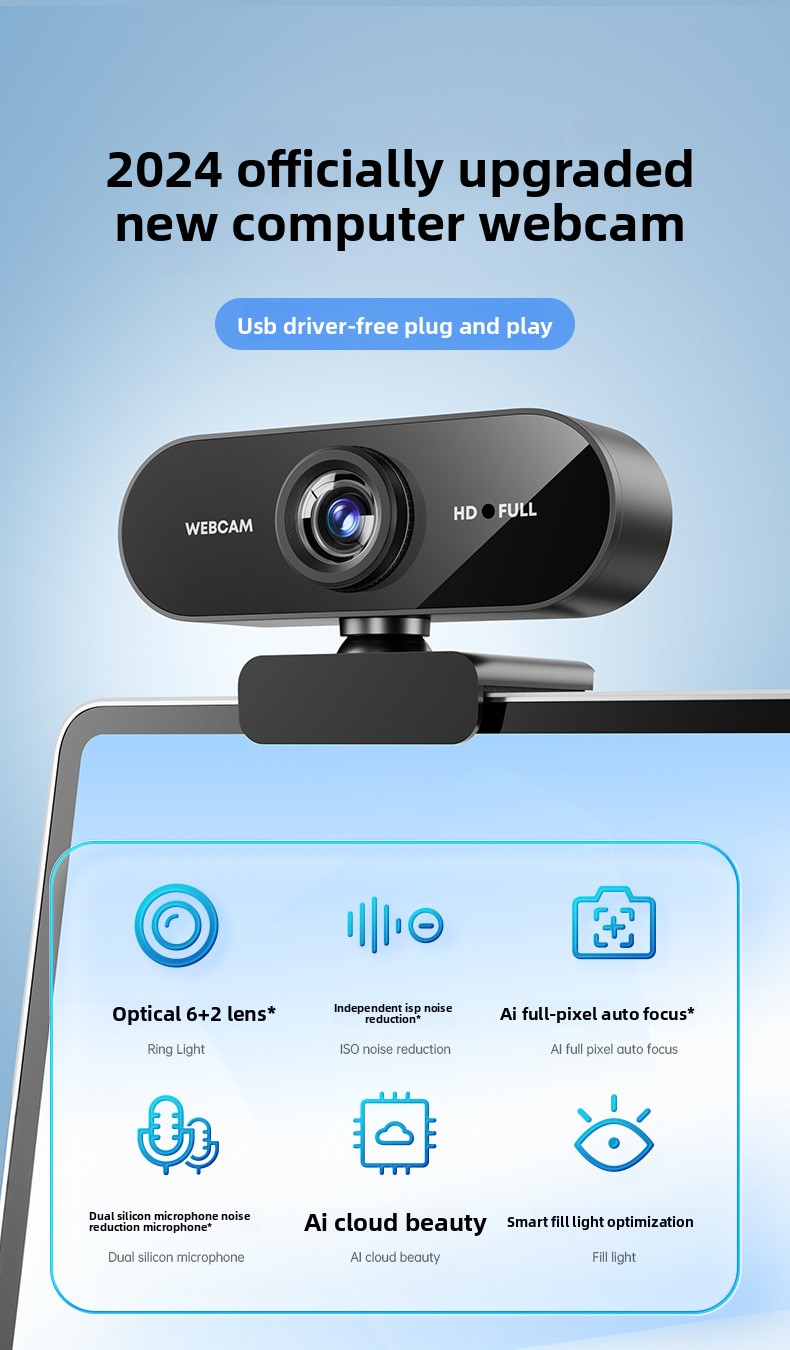
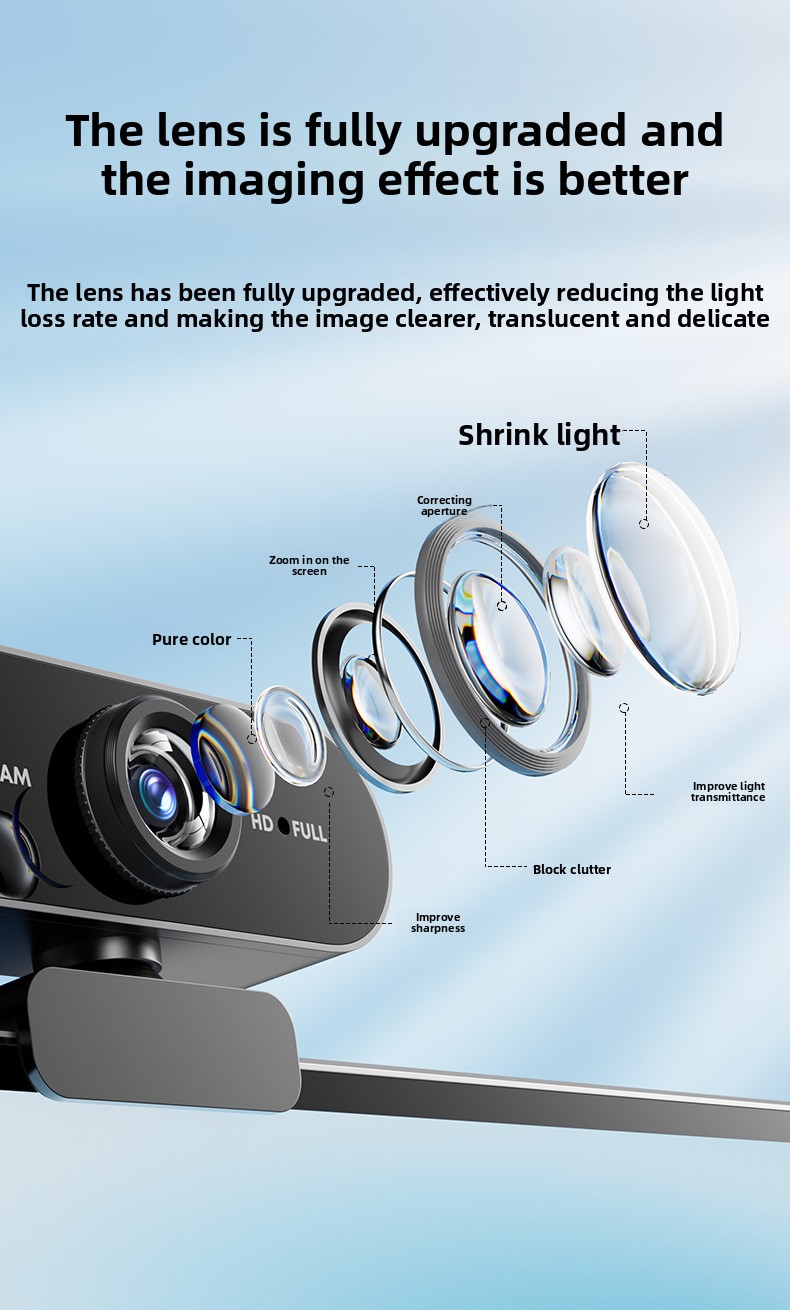
The USB Webcam is designed to deliver crisp 1080P Full HD video at 30 frames per second, ensuring clear and smooth visuals for video calls and recordings. With a 5.0-megapixel sensor and manual focus adjustment, it provides decent image quality for its price range. The device connects via USB 2.0 and supports Windows 10 systems without requiring additional drivers, making setup quick and hassle-free.
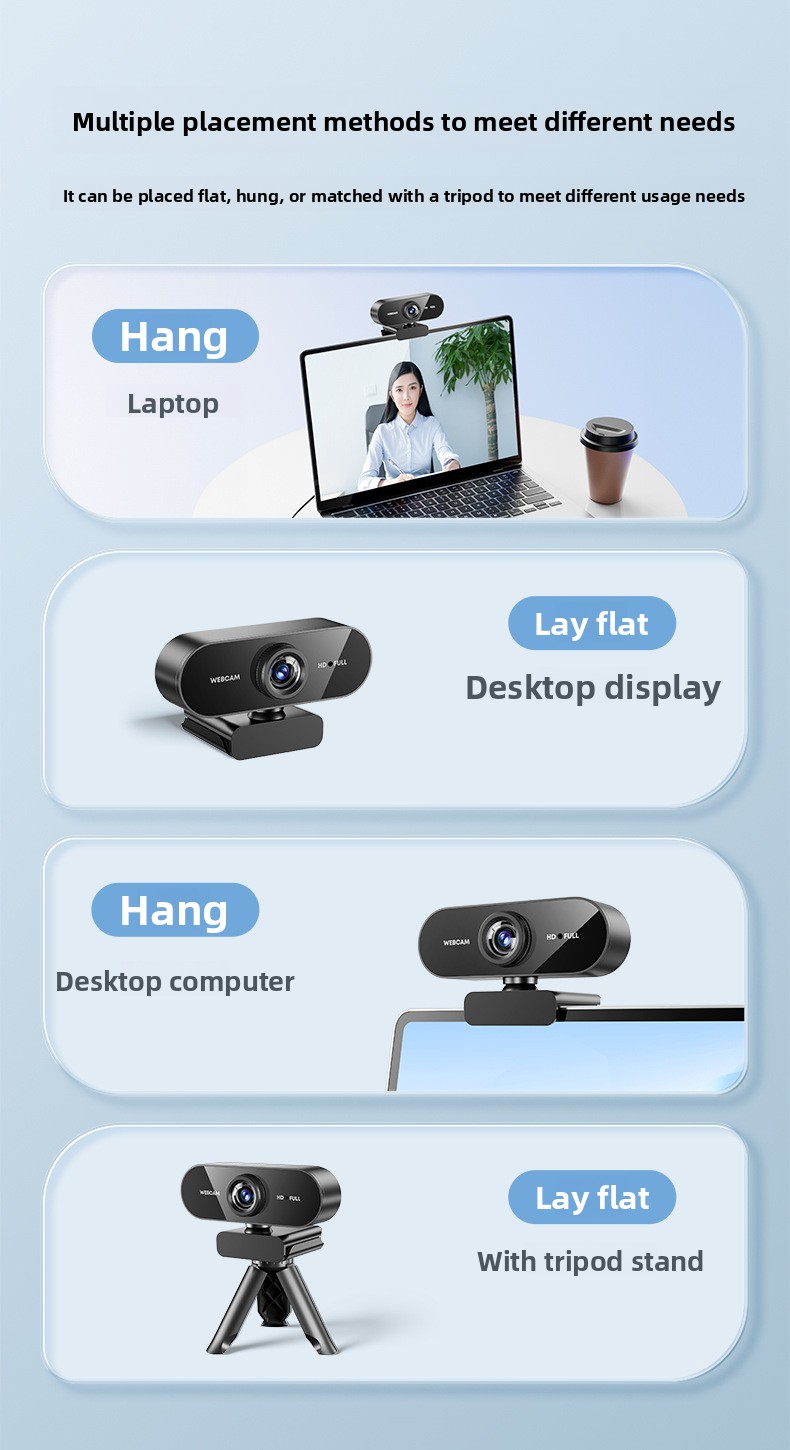
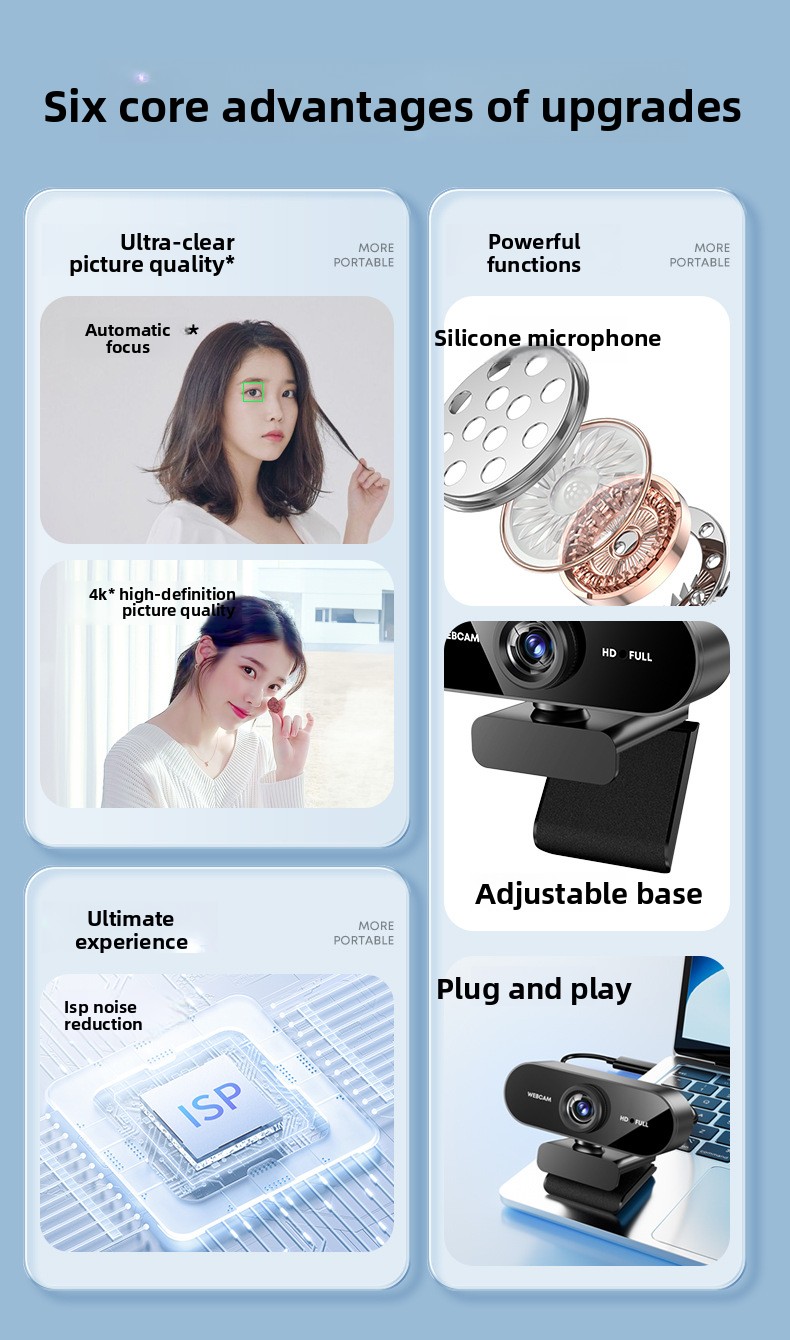
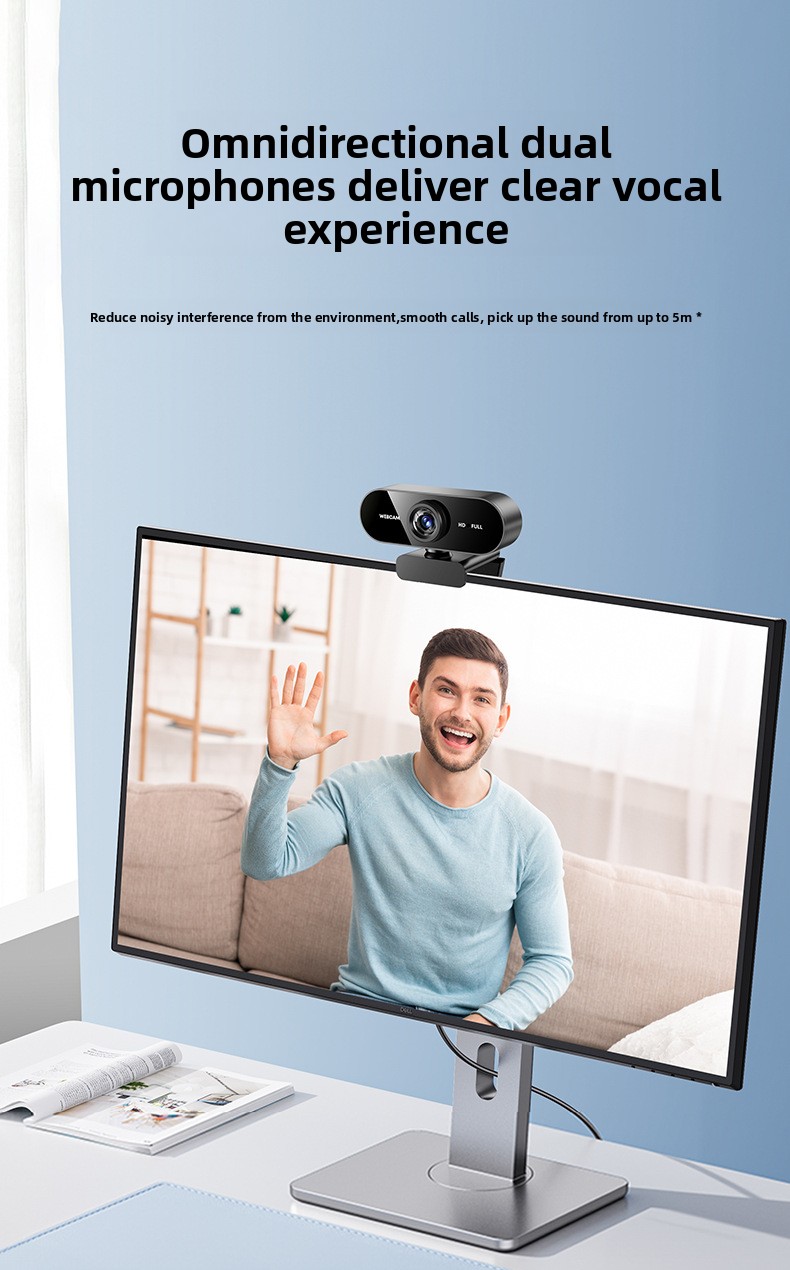
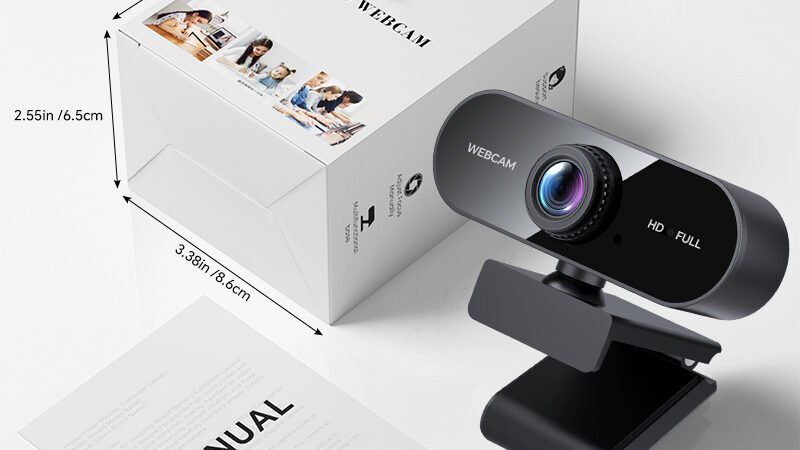
Its adjustable clip mount fits laptops, desktops, and LCD monitors, allowing flexible placement. At just 94 grams and constructed from durable ABS plastic, it’s lightweight and portable. The integrated microphone captures audio directly, streamlining your conferencing setup without needing extra equipment.
Main Features
- 1080P Full HD Resolution: 1920×1080 pixels for sharp, detailed video output.
- 30 FPS Frame Rate: Smooth video streaming and recording.
- 5.0 Megapixel Sensor: Provides clear image capture for video calls and content creation.
- Driver-Free USB 2.0 Connectivity: Plug-and-play compatibility with Windows 10 and other platforms.
- Built-in Microphone: Integrated audio capture for clear voice transmission.
- Adjustable Clip Mount: Easily attaches to various screen types and surfaces.
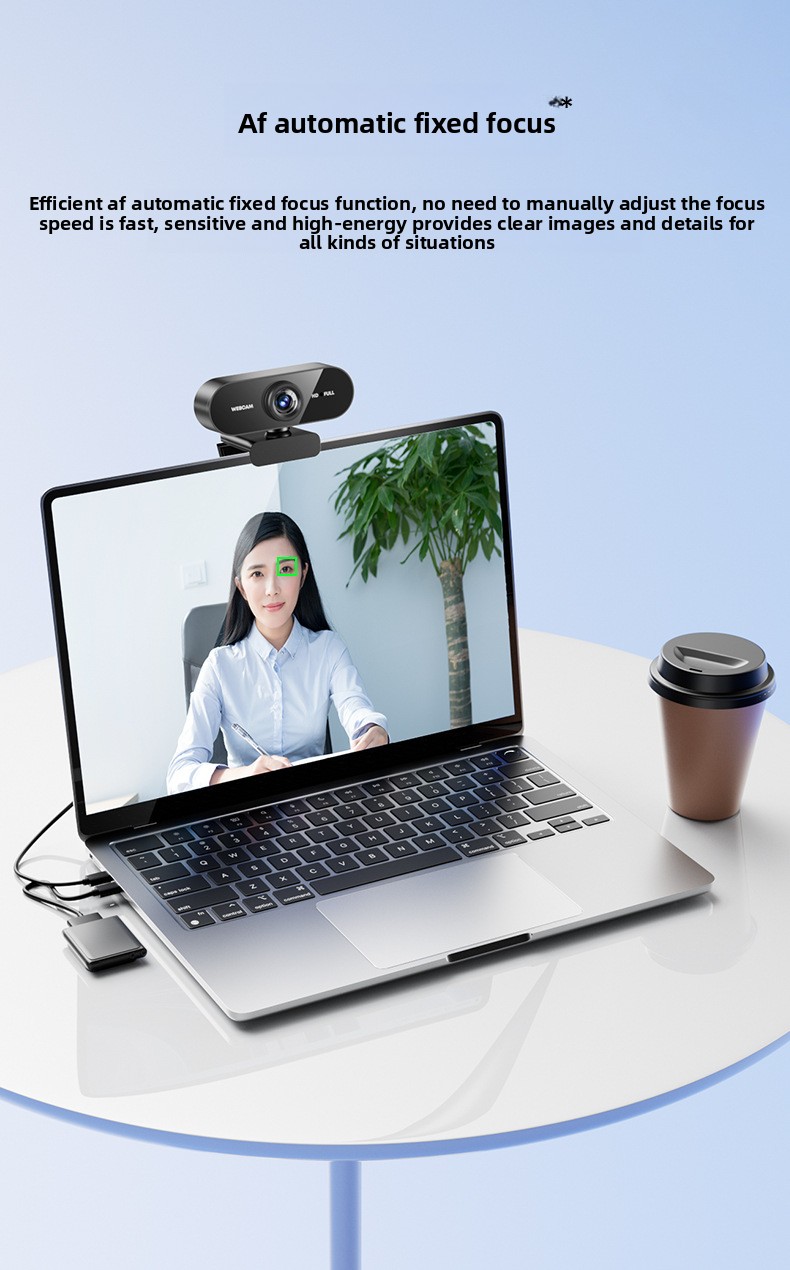
- Manual Focus Adjustment: Customize sharpness for different distances and lighting conditions.
- Long 150cm USB Cable: Provides flexibility in placement and setup.
Performance Analysis
In real-world usage, the USB Webcam performs well for everyday video conferencing and casual streaming. The 1080P resolution ensures that your image appears crisp on most screens, and the 30 FPS frame rate delivers fluid motion without lag. The manual focus feature is useful for fine-tuning clarity, especially in varying lighting environments or when switching between close-up and mid-range shots.
The built-in microphone captures voice clearly in quiet rooms, making it suitable for meetings and online classes. However, in noisier environments, an external microphone might be preferable for optimal audio quality.
Setup is straightforward thanks to its driver-free design, which works seamlessly with Windows 10 and most popular video conferencing platforms like Zoom, Microsoft Teams, and Skype. The adjustable clip securely mounts on laptops and monitors without slipping, and the 150cm cable length offers ample reach without clutter.
Image Quality
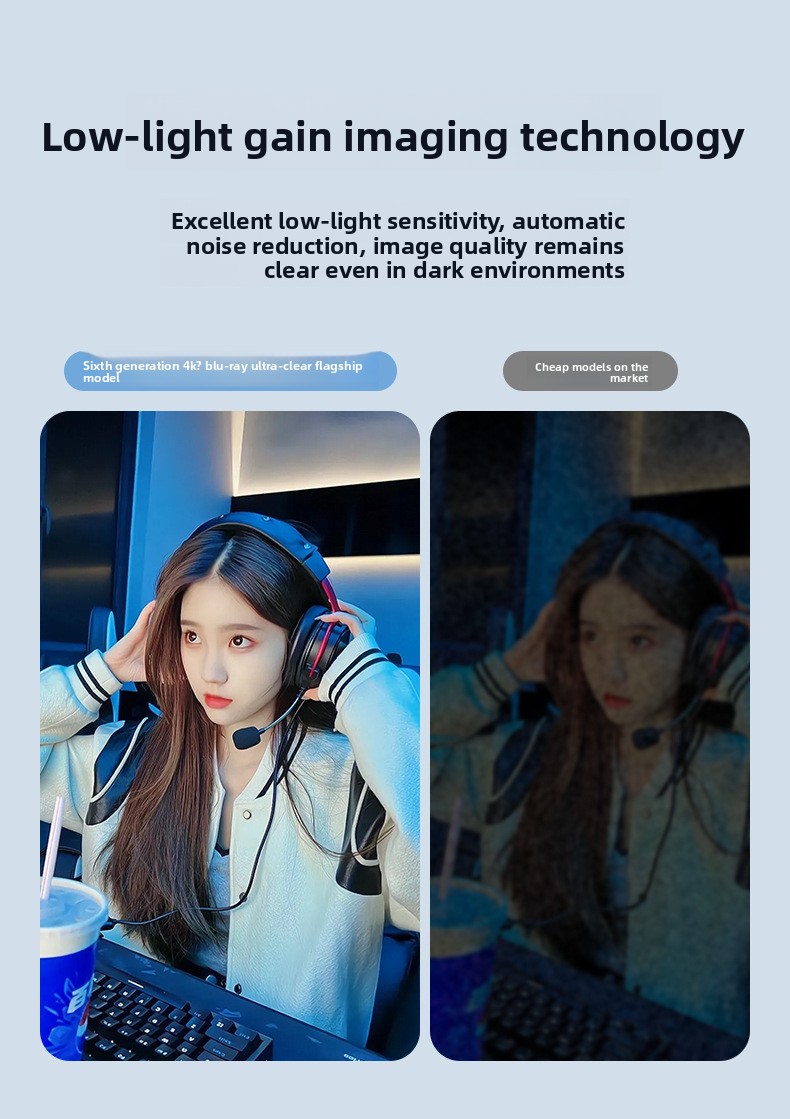
The 5.0-megapixel sensor delivers good color accuracy and detail under well-lit conditions. Low-light performance is average; additional lighting may be necessary in dim environments to avoid grainy footage.
Audio Quality
The integrated microphone is adequate for standard calls but may pick up background noise. For professional podcasting or streaming, pairing with a dedicated microphone is recommended.
Pros and Cons
| Pros | Cons |
|---|---|
| Affordable price under $30 | Manual focus requires occasional adjustment |
| 1080P HD video quality with smooth 30 FPS | Limited low-light performance |
| Driver-free plug-and-play setup | Built-in mic is not noise-cancelling |
| Flexible clip mount fits various screens | USB 2.0 interface limits data transfer speed |
| Lightweight and portable design | Compatible mainly with Windows 10 |
Who Should Buy It
This USB Webcam is ideal for:
- Remote workers and students needing a reliable, affordable webcam.
- Casual streamers and content creators on a budget.
- Users seeking a simple plug-and-play webcam without driver hassles.
- Individuals who want a lightweight, portable camera for multiple devices.
- Anyone looking for an all-in-one webcam with integrated microphone for video calls.
Who Should Avoid It
This webcam might not be the best fit for:
- Professional streamers or videographers requiring advanced features and superior image quality.
- Users who need excellent low-light performance or autofocus capabilities.
- Those who require noise-cancelling microphones for high-quality audio recording.
- Mac or Linux users, as compatibility is primarily focused on Windows 10.
Value for Money
Priced at just $27.99, this USB Webcam offers solid value for everyday video conferencing and casual streaming. While it lacks some premium features found in higher-end models, its combination of 1080P HD video, built-in microphone, and easy setup makes it a smart choice for budget-conscious buyers. The quality and functionality you get at this price point are impressive, especially for users who want a dependable webcam without overspending.
Buying Advice
Before purchasing, consider the following tips to ensure this webcam meets your needs:
- Check system compatibility: Confirm your device runs Windows 10 or supports USB webcams without drivers.
- Assess your lighting conditions: If you often work in low light, invest in additional lighting to improve video quality.
- Evaluate audio needs: For clearer sound, consider pairing with an external microphone if necessary.
- Test manual focus: Be prepared to adjust focus manually for the best image sharpness.
- Review mounting options: Ensure the clip design suits your laptop or monitor thickness.
Frequently Asked Questions (FAQs)
Does this webcam work with Mac or Linux?
The USB Webcam is primarily designed for Windows 10 and may not offer full compatibility with Mac or Linux systems. Check your operating system’s support for USB webcams before purchasing.
Is the built-in microphone good for professional calls?
The integrated microphone is suitable for casual and business video calls but lacks noise-cancelling features. For professional audio quality, an external microphone is recommended.
Can I use this webcam for streaming on platforms like Twitch or YouTube?
Yes, this webcam can be used for casual streaming and content creation. However, if you require advanced features like autofocus or superior low-light performance, consider higher-end models.
Do I need to install drivers to use this webcam?
No, the webcam supports plug-and-play functionality with automatic system recognition, so no additional drivers are needed for Windows 10.
How do I adjust the focus?
The webcam features manual focus adjustment. Rotate the lens ring gently until the image appears sharp and clear.
Final Verdict
The USB Webcam stands out as an affordable, user-friendly option for anyone needing reliable HD video quality for everyday use. Its 1080P resolution, built-in microphone, and driver-free setup make it an excellent choice for remote workers, students, and casual streamers. While it has limitations like manual focus and average low-light performance, these are reasonable compromises at this price point.
For those seeking a straightforward, budget-friendly webcam that delivers clear video and decent audio without fuss, this USB Webcam is a solid pick. If your requirements include professional-grade audio or advanced camera features, you may want to explore higher-end alternatives. Overall, this webcam offers impressive value and dependable performance for most users.
USB Webcam
Price: $27.99
Category: TechGadgets
SKU: SU00067286
Description
Overview
1080P HD: Delivers clear 1920×1080 resolution for sharp video quality
Driver-Free: Plug-and-play USB connectivity with automatic system recognition
Built-in Microphone: Integrated audio capture for streamlined conferencing
Multi-Platform Compatibility: Works with laptops, desktops, and LCD monitors
Flexible Mounting: Adjustable clip design for versatile placement
Specifications
Resolution: 1920×1080 (1080P)
Frame Rate: 30FPS
Sensor: 5.0 megapixels
Interface: USB 2.0
Cable Length: 150cm
Focus: Manual adjustment
Material: ABS plastic
Weight: 94g
System Support: Windows 10
Additional: Built-in microphone
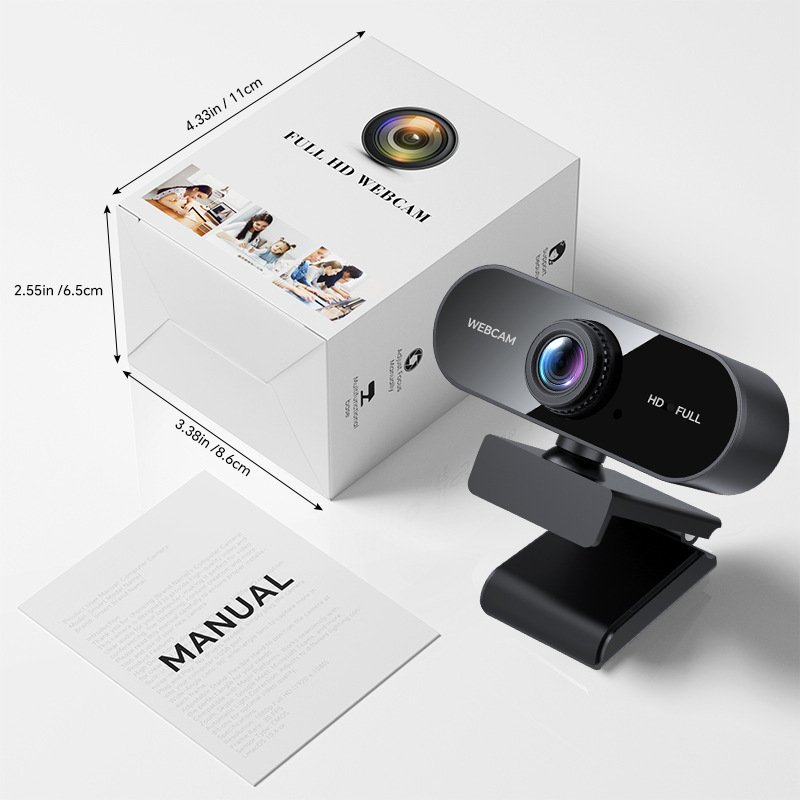
Packing List
Computer camera1
USB cable1
Instruction manual*1