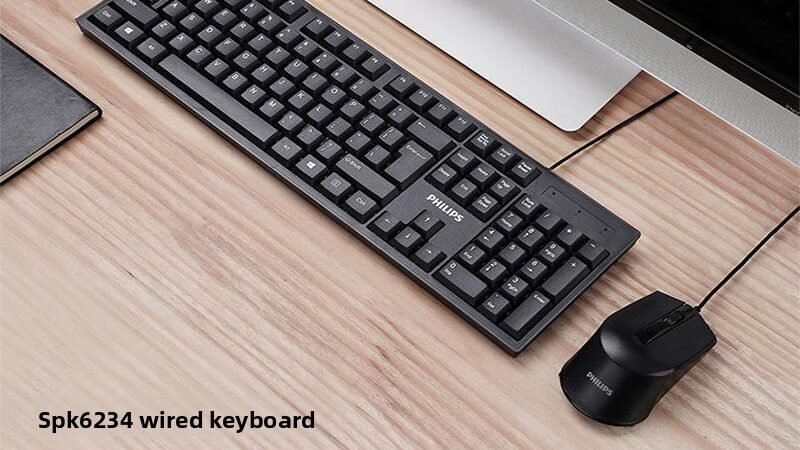
This buying guide will help you choose the right product for your needs.
Best Wired Keyboard Mouse Combo Buying Guide 2024
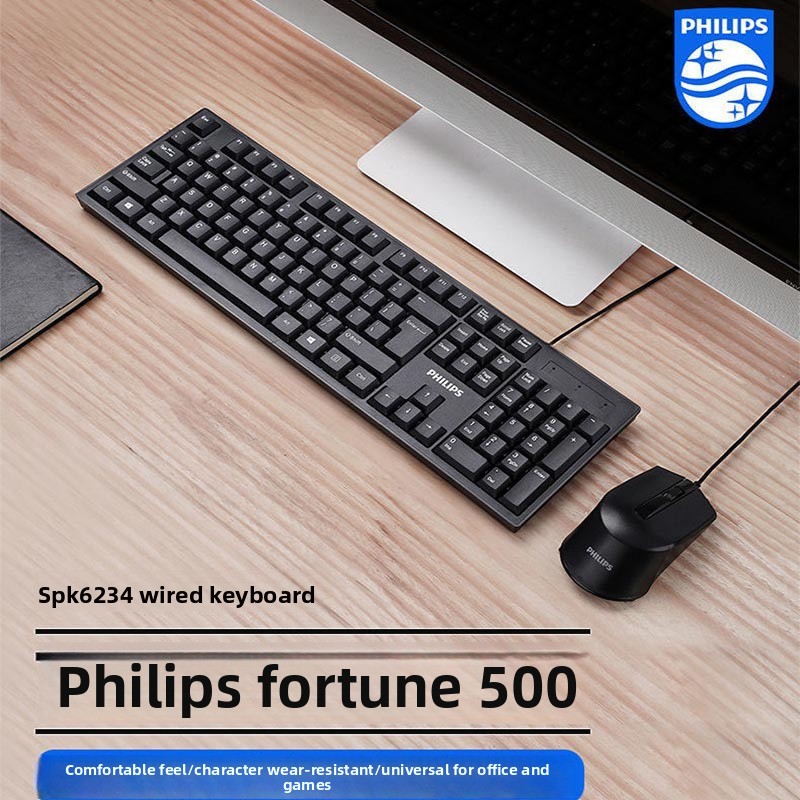
Choosing the right wired keyboard mouse combo can significantly enhance your productivity, comfort, and overall computer experience. Whether you’re working from home, gaming, or managing everyday tasks, a reliable and ergonomic combo is essential. This comprehensive guide will walk you through everything you need to know before making a purchase, including important features, common pitfalls, and budget-friendly recommendations. We’ll also review a standout product, the Philips Fortune Keyboard Mouse Combo, to help you make an informed decision.
Why Choose a Wired Keyboard Mouse Combo?
Wired combos offer several advantages over wireless options, including:
- Stable Connection: USB wired connections provide consistent data transmission without lag or interference.
- Plug-and-Play Convenience: Most wired combos require no additional drivers, ensuring easy setup across multiple operating systems.
- Cost-Effectiveness: Typically more affordable than wireless sets, making them ideal for budget-conscious buyers.
- Reliability: No battery worries or connectivity drops during critical tasks.
What to Look for Before Buying a Wired Keyboard Mouse Combo
1. Compatibility
Ensure the combo supports your operating system. Leading combos, like the Philips Fortune, work seamlessly with Windows, macOS, and Linux, offering broad compatibility.
2. Ergonomics and Comfort
A comfortable design reduces strain during extended use. Look for:
- Ergonomic key layouts that promote natural hand positioning.
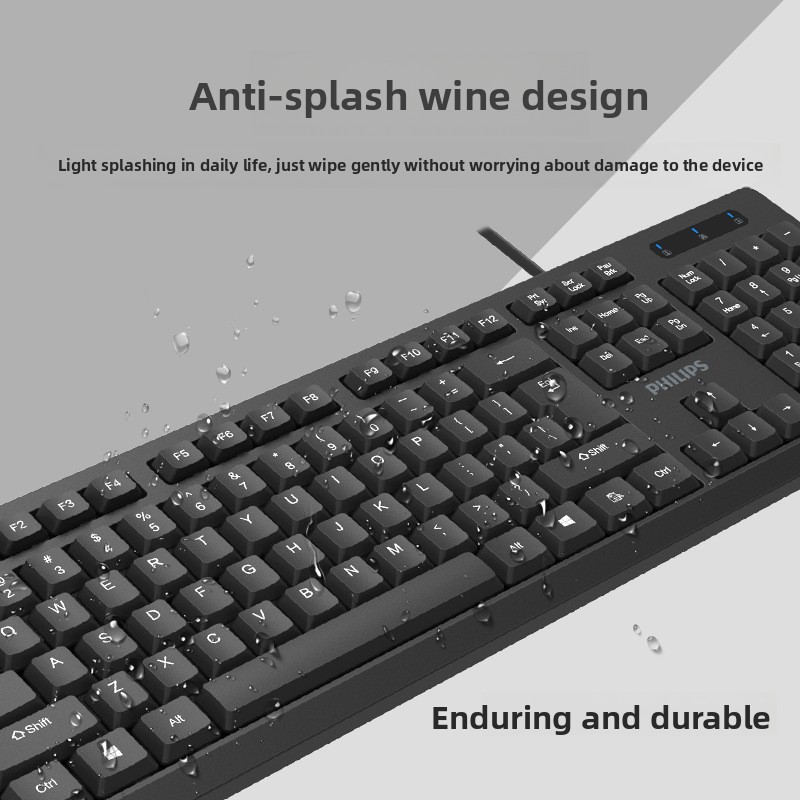
- Spill-resistant keyboards to protect against accidents.
- Mouse designs that fit your hand size and grip style.
3. Build Quality and Durability
Quality materials and reliable brand reputation ensure longevity. Philips, for example, is known for durable tech gadgets with trusted performance.
4. Mouse Performance
Consider mouse DPI (dots per inch) for sensitivity. A 1000 DPI optical mouse, like the one in the Philips combo, offers smooth and precise tracking suitable for everyday tasks.
5. Cable Length and Flexibility
Look for a cable length that fits your workspace setup. A 1.5-meter cable is standard and provides ample reach without clutter.
6. Additional Features
- Spill resistance on keyboards for durability.
- Plug-and-play functionality to avoid driver installations.
- Lightweight design for easy portability.
Important Features Explained
Ergonomic Keyboard Design
Ergonomics focus on reducing fatigue and discomfort. A keyboard with a user-friendly layout and appropriate key spacing minimizes wrist and finger strain.
Spill-Resistant Protection
Accidental spills are common. Spill-resistant keyboards have drainage channels or protective coatings to prevent liquid damage, extending the device’s lifespan.
Optical Mouse DPI
DPI measures mouse sensitivity. A 1000 DPI optical sensor is ideal for general use, offering smooth cursor movement without being overly sensitive.
Plug-and-Play Compatibility
Plug-and-play devices require no additional software, making them easy to install and compatible with multiple platforms.
Common Mistakes Buyers Make
- Ignoring Compatibility: Buying a combo that doesn’t support your OS can lead to frustration.
- Overlooking Ergonomics: Choosing a cheap combo without ergonomic considerations can cause discomfort over time.
- Neglecting Build Quality: Low-quality materials may lead to early wear and malfunction.
- Underestimating Cable Length: Too short cables can limit placement options and cause clutter.
- Focusing Only on Price: The cheapest option may lack essential features and durability.
Recommendations for Different Budgets
Budget-Friendly: Under $50
The Philips Fortune Keyboard Mouse Combo priced at around $48.50 is an excellent choice. It offers:
- Reliable Philips brand quality
- Ergonomic, spill-resistant keyboard
- 1000 DPI optical mouse
- Plug-and-play USB connectivity
- Compatibility with Windows, macOS, and Linux
This combo balances affordability and functionality, ideal for students, home offices, and casual users.
Mid-Range: $50 – $100
Consider combos that add features like multimedia keys, adjustable DPI mice, or mechanical keyboards for enhanced typing feedback. These are great for professionals and gamers seeking better performance.
Premium: $100 and Above
High-end combos often include mechanical keyboards with customizable keys, high-DPI gaming mice, RGB lighting, and wireless options with wired fallback. These are suited for serious gamers and heavy typists.
Practical Use Cases
Home Office Setup
Choose a combo with ergonomic design and spill resistance to withstand long work hours and occasional coffee spills. The Philips Fortune combo fits well here.
Student Use
Students benefit from affordable, durable combos that are easy to set up and compatible across devices used in school or dorms.
Casual Gaming
Look for a mouse with adjustable DPI and a keyboard with responsive keys. While the Philips combo is basic, it’s suitable for casual gaming and general use.
Public or Shared Workstations
Spill-resistant and plug-and-play combos are ideal for shared environments where quick setup and durability are priorities.
Frequently Asked Questions
Q1: Are wired keyboard mouse combos compatible with all computers?
Most wired combos use USB connections and are compatible with Windows, macOS, and Linux. Always check product specifications for compatibility.
Q2: Can I use a wired combo with a laptop?
Yes, wired combos connect via USB ports, which are standard on most laptops. They are a reliable alternative to built-in keyboards and touchpads.
Q3: How important is spill resistance?
Spill resistance protects your keyboard from accidental liquid damage, increasing durability and reducing replacement costs.
Q4: What is a good mouse DPI for everyday use?
A DPI around 800-1200 is ideal for general tasks, offering smooth and precise cursor control without being too sensitive.
Q5: Do wired combos require software installation?
Most wired combos are plug-and-play, meaning they work immediately upon connection without needing extra drivers.
Conclusion: Our Top Recommendation
For users seeking a reliable, ergonomic, and affordable wired keyboard mouse combo, the Philips Fortune Keyboard Mouse Combo stands out as a top choice. It combines trusted brand quality with practical features like spill resistance, ergonomic design, and broad compatibility. Whether for home, office, or casual use, this combo delivers excellent value without compromising performance.
Investing in a quality wired combo ensures a smooth, comfortable computing experience and reduces the risk of frequent replacements. Use this guide to evaluate your needs and select the perfect combo that fits your budget and lifestyle.
Phillips fortune Keyboard Mouse Combo
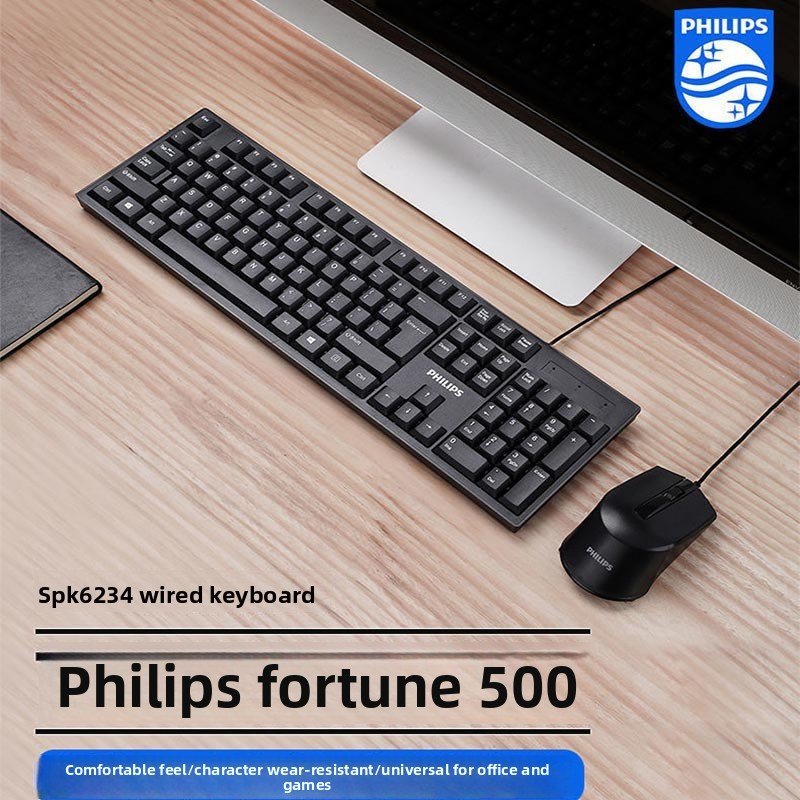
Price: $48.5
Category: TechGadgets
SKU: SU00051843
Description
Overview
Brand Reliability: Philips brand ensures quality and trusted performance
Wired Connectivity: USB connection provides stable data transmission without interference
Ergonomic Design: Comfortable typing experience with user-friendly key layout
Water Resistance: Keyboard features spill-resistant protection for durability
Plug-and-Play: No drivers required, compatible with multiple operating systems
Specifications
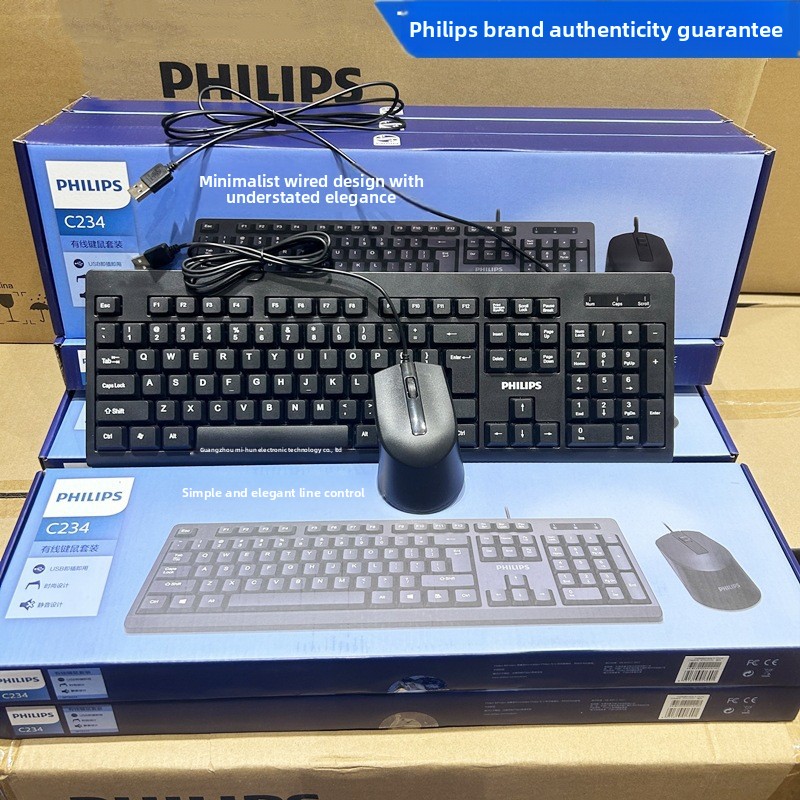
Model: Philips C234 Keyboard and Mouse Combo
Connection: Wired USB interface
Keyboard Dimensions: 445.6*136*26.5mm
Cable Length: 1.5 meters
Mouse DPI: 1000 optical resolution
Weight: 0.8kg
Compatibility: Windows, macOS, Linux systems
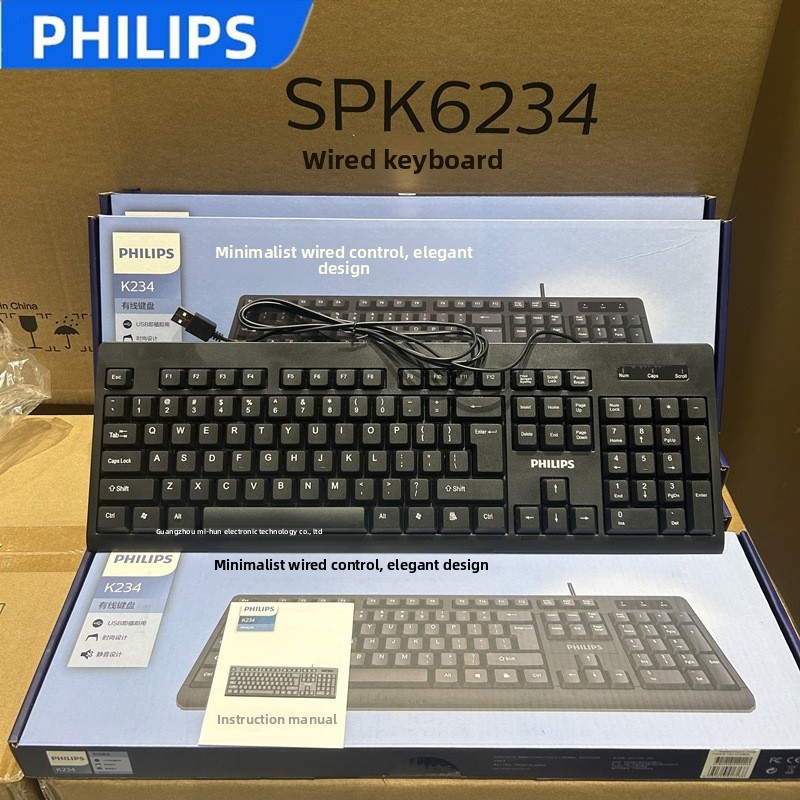
Packing List
keyboard1
mouse1
user manual*1