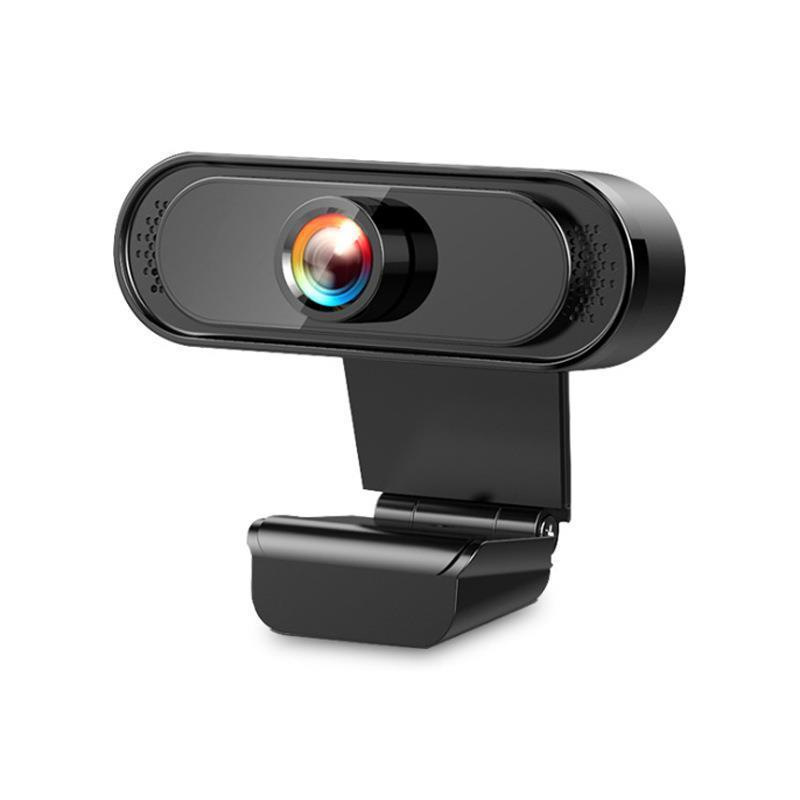
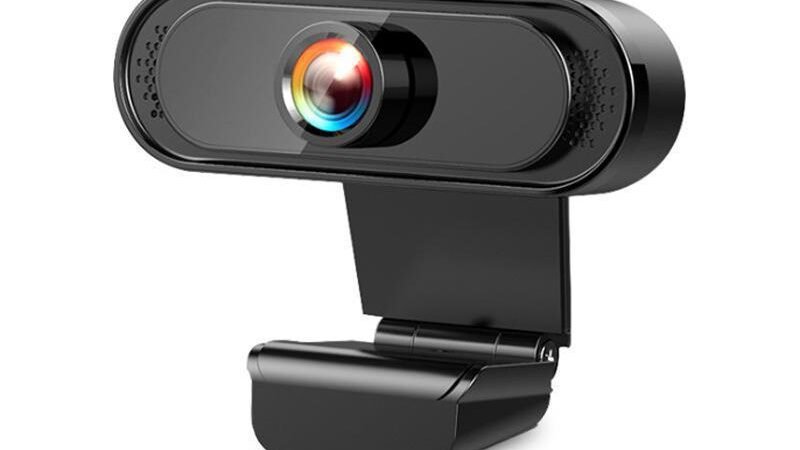
This review explores the features, benefits, pricing and overall value of this product.
1080P HD USB Webcam with Microphone Review: Crisp Video and Reliable Audio
Choosing the right webcam can make a significant difference in your video calls, streaming quality, and online meetings. The 1080P HD USB Webcam with Microphone promises sharp video resolution, integrated audio, and hassle-free setup at an affordable price. In this detailed review, we’ll explore its features, performance, and value to help you decide if it’s the right webcam for your needs.
Product Overview
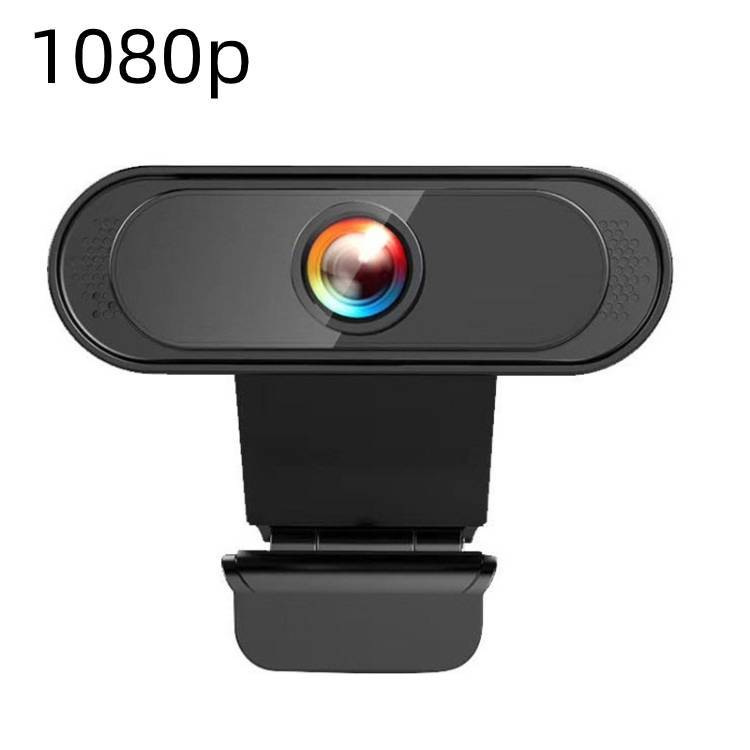
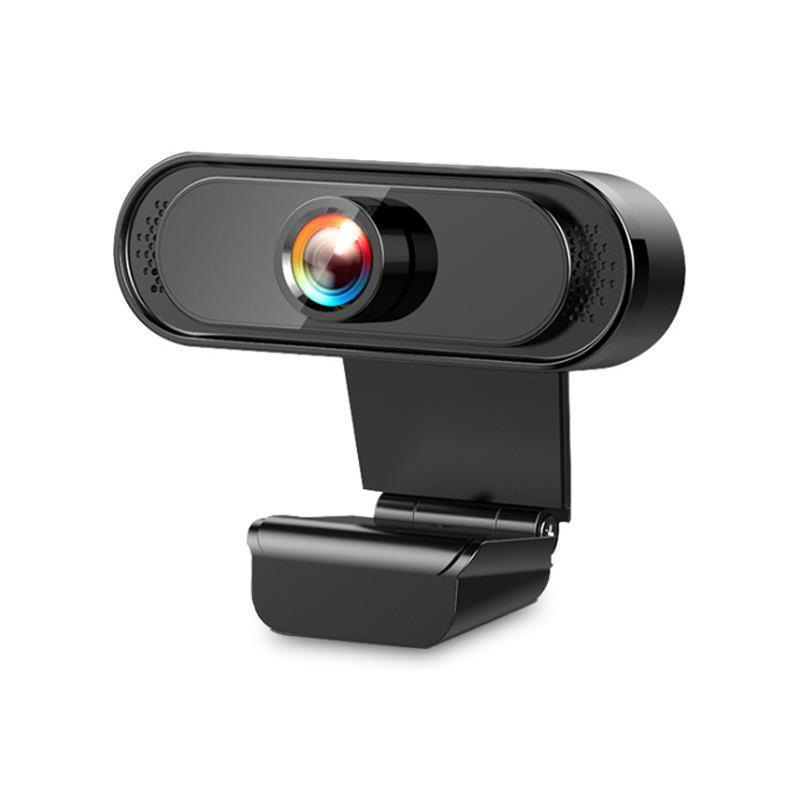
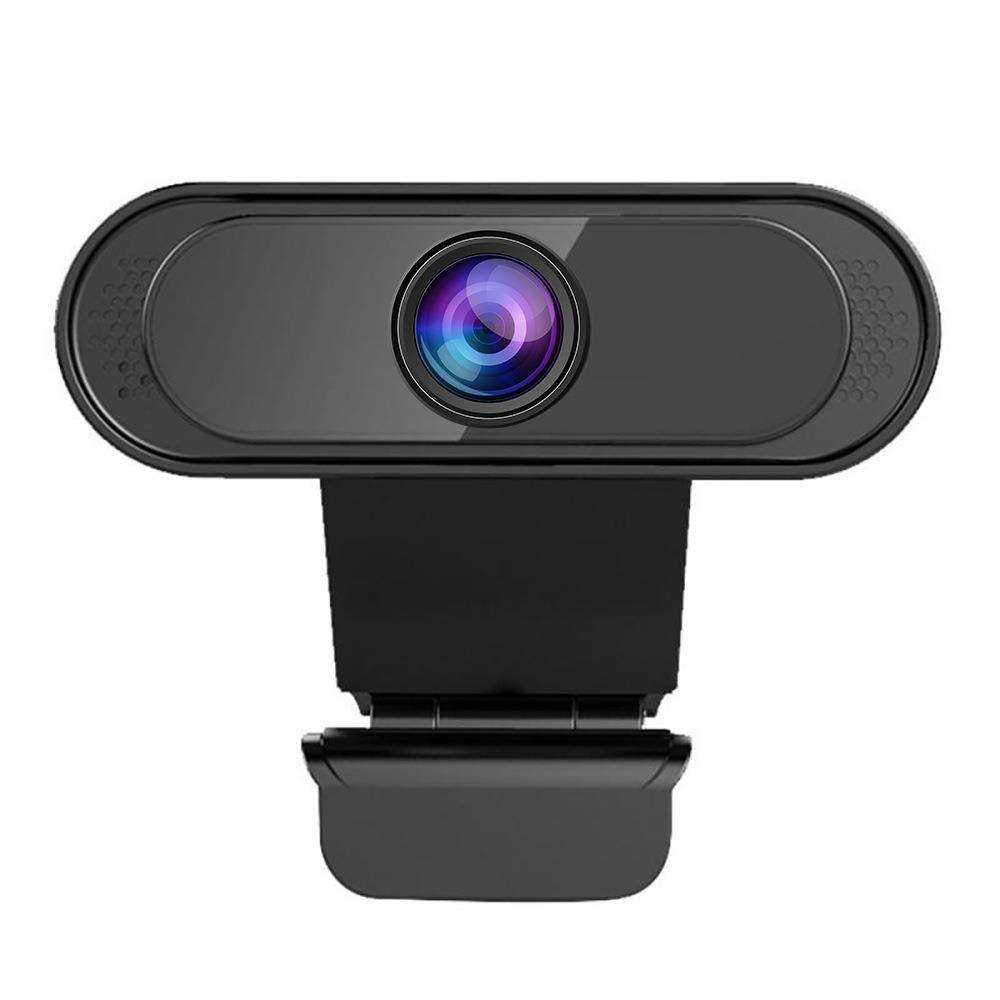
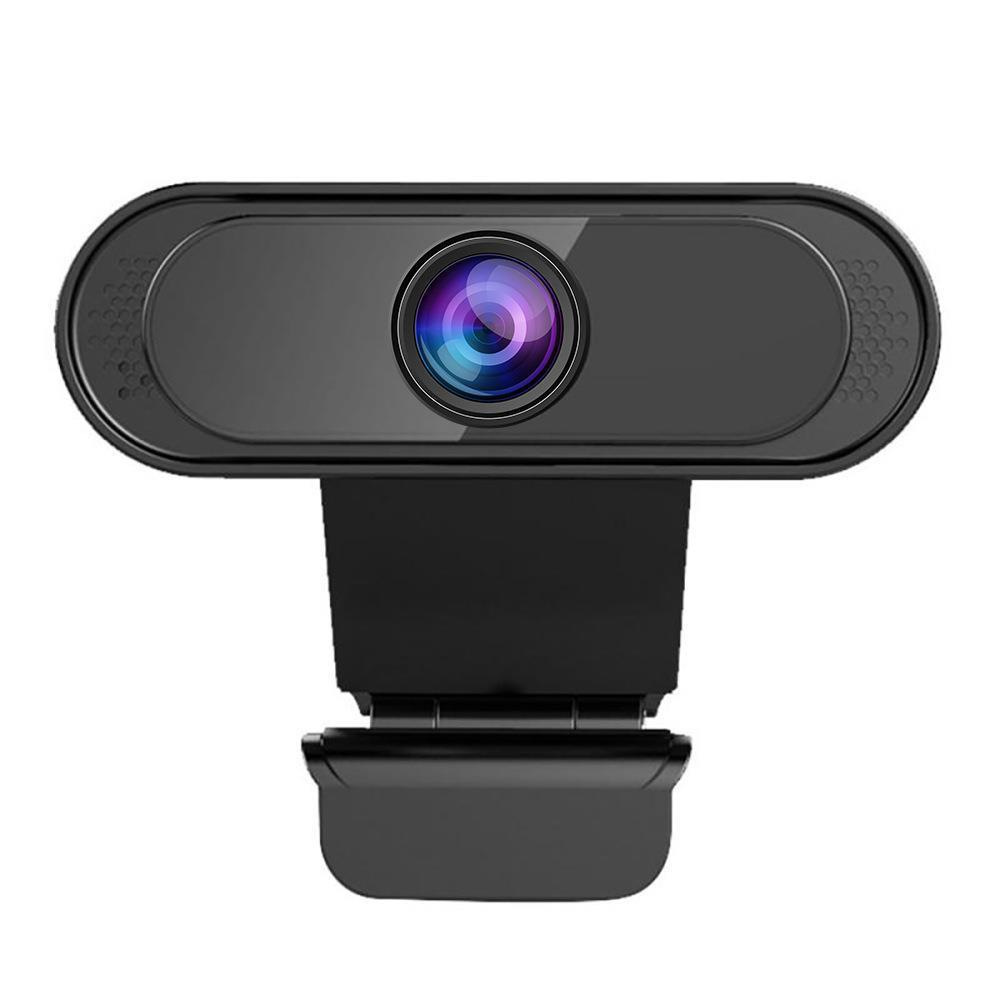
The 1080P HD USB Webcam is designed for users seeking clear video and reliable audio without complicated installation. It offers full HD 1080p resolution for crisp visuals, a built-in microphone for clear sound capture, and manual focus control for precise image adjustments. Compatible with a wide range of devices, it is ideal for video conferencing, streaming, online classes, and casual video chats.
Key Specifications
- Resolution: 1920 x 1080 (Full HD 1080P)
- Frame Rate: Up to 120fps for smooth video
- Sensor: 12.0 million pixels
- Interface: USB 2.0 (plug-and-play, no drivers required)
- Focus: Manual adjustment
- Built-in microphone: Yes
- Material: Durable ABS plastic
- Color Options: Black and White
- Compatibility: Desktops, laptops, LCD monitors, and video conferencing systems
Main Features
1. Full HD 1080P Video Quality
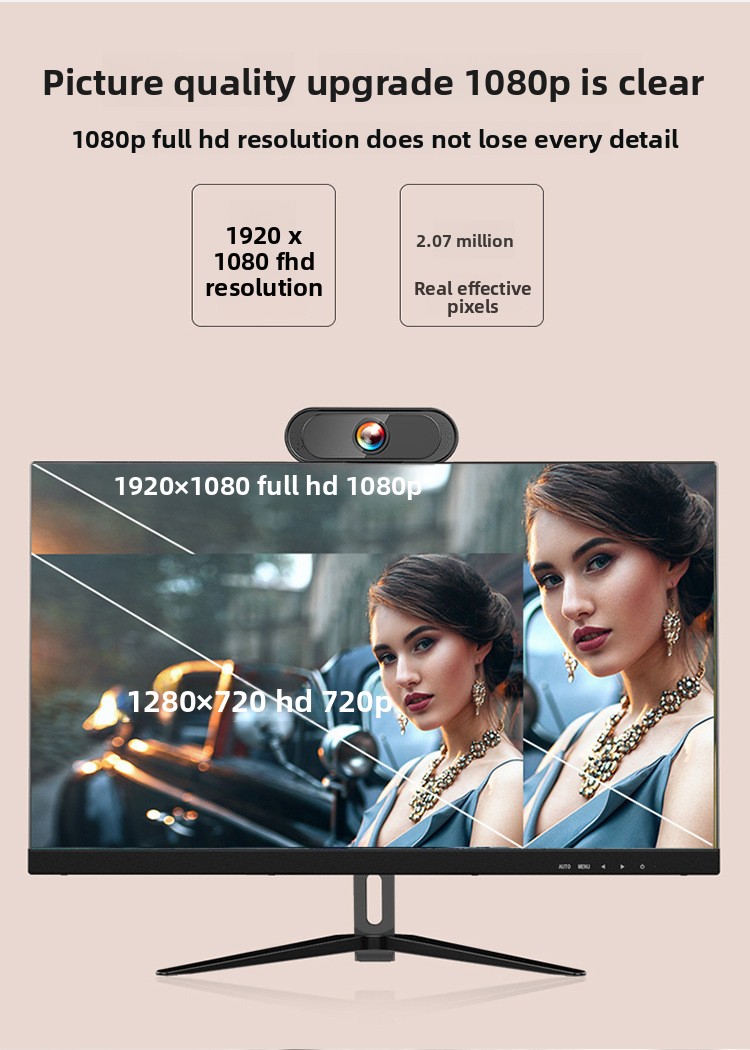
Delivering 1920×1080 resolution, this webcam ensures your video is sharp and detailed. Whether you’re streaming live or attending a virtual meeting, the high-definition video quality enhances your presence and professionalism.
2. Built-in Microphone
The integrated microphone captures clear audio without requiring an external mic. This simplifies your setup and reduces clutter, making it convenient for remote work, online classes, or casual chats.
3. Plug-and-Play USB Connectivity
Compatible with USB 2.0 ports, this webcam requires no additional drivers. Just plug it into your computer or laptop, and it’s ready to use. This universal compatibility supports most operating systems and video conferencing platforms.
4. Manual Focus Adjustment
The manual focus ring lets you fine-tune the image clarity to suit your environment. This feature is especially useful when you want to focus on specific objects or adjust for different lighting conditions.
5. Wide Device Compatibility
This webcam works seamlessly with desktops, laptops, LCD monitors, and popular video conferencing systems, making it a versatile choice for various setups.
Performance Analysis
In real-world use, the 1080P HD USB Webcam performs admirably for its price point. The video output is consistently clear and vibrant under typical indoor lighting. The 120fps frame rate ensures smooth motion, which is beneficial during dynamic presentations or gaming streams.
The manual focus feature allows users to adjust sharpness easily, though it requires some initial tweaking to find the optimal setting. The built-in microphone captures voice audio clearly, though it may pick up some background noise in noisy environments.
Setup is straightforward with plug-and-play functionality, compatible with Windows, macOS, and many Linux distributions. It integrates well with popular applications like Zoom, Microsoft Teams, Skype, and Google Meet.
Pros and Cons
Pros
- Sharp 1080p video quality with smooth frame rates
- Integrated microphone eliminates need for extra audio devices
- Easy plug-and-play USB setup with no drivers required
- Manual focus allows precise image adjustments
- Compatible with a broad range of devices and platforms
- Affordable price point under $30
- Available in black and white to match your setup
Cons
- Manual focus may be less convenient than autofocus for some users
- Built-in microphone is decent but not studio quality
- USB 2.0 interface limits maximum data transfer speed compared to USB 3.0
- Primarily designed for indoor use; low-light performance is average
Who Should Buy It?
This webcam is ideal for:
- Remote workers needing reliable video and audio for meetings
- Students attending online classes or virtual study groups
- Casual streamers and content creators on a budget
- Anyone looking for a simple, driver-free webcam solution
- Users who prefer manual control over focus for customized clarity
Who Should Avoid It?
This product might not be the best choice if you:
- Require autofocus for quick, hands-free adjustments
- Need professional-grade audio recording capabilities
- Work frequently in low-light or challenging lighting conditions
- Prefer USB 3.0 or higher connectivity for ultra-high-speed data transfer
Value for Money
Priced at $28.99, the 1080P HD USB Webcam offers excellent value for users who want solid HD video and integrated audio without breaking the bank. While it lacks some premium features like autofocus or noise-cancelling microphones, it delivers dependable performance for everyday video calls, streaming, and recording needs.
Compared to higher-priced webcams, this model strikes a balance between affordability and functionality, making it a smart choice for budget-conscious buyers.
Practical Use Cases
- Remote Work: Enhance your video conferencing experience with clear visuals and audio for meetings and presentations.
- Online Education: Students and teachers can benefit from sharp video and easy setup for virtual classrooms.
- Content Creation: Streamers can use this webcam for casual gaming streams or vlogs without investing in expensive gear.
- Family Video Calls: Stay connected with loved ones through crisp video and clear sound.
- Telehealth: Suitable for virtual doctor appointments requiring clear video communication.
Buying Advice
When purchasing a webcam, consider your primary use case first. If you need quick autofocus or professional audio, you might want to explore higher-end models. However, if you value simple installation, reliable HD video, and integrated sound at a budget-friendly price, the 1080P HD USB Webcam is a strong contender.
Check that your computer has a USB 2.0 port available, and ensure your software supports external webcams. Also, consider your lighting environment; adding a desk lamp or ring light can improve video quality significantly.
Frequently Asked Questions
Does this webcam work with Mac and Windows?
Yes, the 1080P HD USB Webcam is compatible with both Windows and macOS operating systems, as well as many Linux distributions. It supports standard USB video protocols, making it plug-and-play on most platforms.
Is the microphone good enough for professional calls?
The built-in microphone provides clear audio suitable for everyday calls and meetings. However, for professional podcasts or recordings, an external microphone would offer better sound quality.
Can I use this webcam for streaming on Twitch or YouTube?
Absolutely. The 1080p resolution and smooth frame rate make it suitable for casual streaming. For advanced streamers needing autofocus or enhanced low-light performance, consider higher-end webcams.
How do I adjust the focus?
The webcam features a manual focus ring around the lens. Rotate it gently until the image appears sharp and clear on your screen.
Is any software installation required?
No drivers or software are needed. Simply plug the webcam into a USB port, and your computer should recognize it automatically.
Final Verdict
The 1080P HD USB Webcam with Microphone offers a compelling combination of sharp video, integrated audio, and effortless setup at an accessible price. Its manual focus feature gives users control over image clarity, while the plug-and-play USB connectivity ensures broad compatibility without technical hassles.
While it may not replace high-end webcams with autofocus or professional microphones, it excels as a reliable, budget-friendly option for remote work, online learning, casual streaming, and everyday video calls. If you want a straightforward webcam that delivers clear visuals and decent audio without complexity, this model is highly recommended.
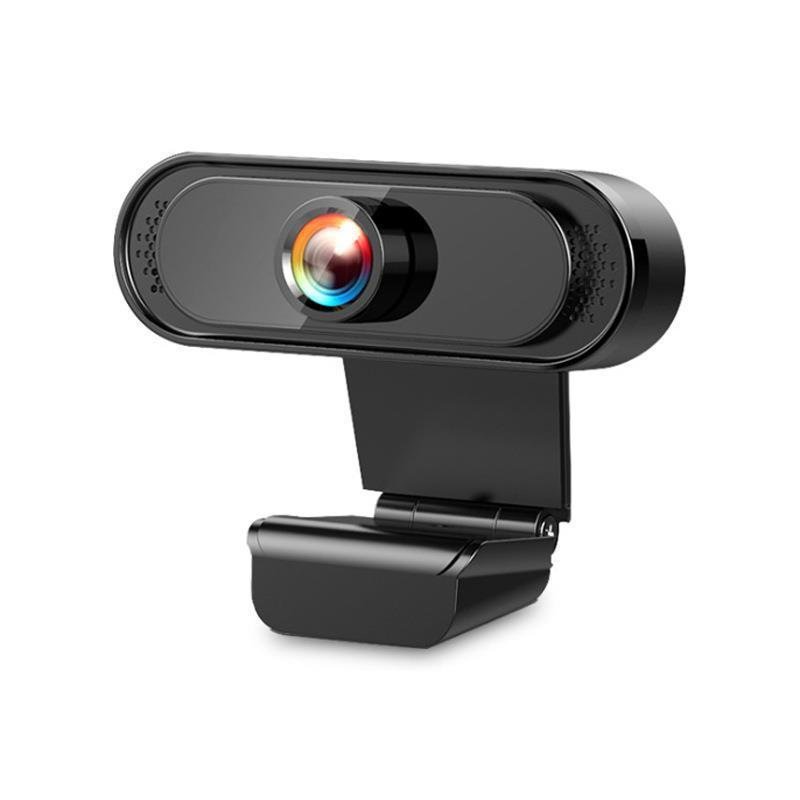
1080P HD USB Webcam with Microphone
Price: $28.99
Category: TechGadgets
SKU: SU00109388
Description
Overview
1080P HD Resolution: Delivers crisp and clear video quality for professional streaming and recording.
Built-in Microphone: Integrated audio capture eliminates the need for external microphones.
Plug-and-Play USB Connectivity: Easy setup with universal USB 2.0 compatibility, no drivers required.
Wide Compatibility: Supports desktops, laptops, LCD monitors, and video conferencing systems.
Manual Focus: Allows precise adjustment for optimal image clarity.
Specifications
Model: A12
Sensor Pixels: 12.0 million
Maximum Resolution: 1920×1080 (1080P)
Frame Rate: 120fps
Interface: USB 2.0
Focus Method: Manual
Material: ABS plastic
Built-in Microphone: Yes
Additional Features: Driver-free operation
Color Options: Black, White
Applicable Scenarios: Indoor use
Packing List
Webcam*1
USB cable*1